
How to Build a Chemical Inventory: Steps + Template
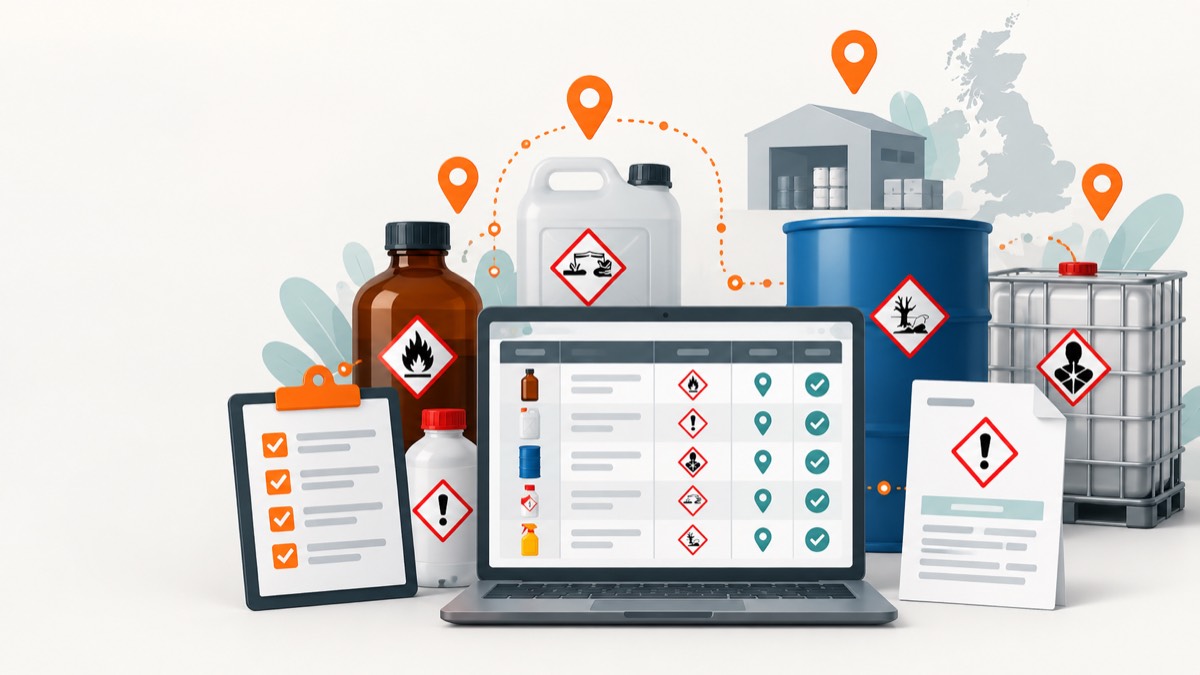
- A useful chemical inventory records each product, supplier, location, quantity, hazard information, SDS version and assessment status in one controlled register.
- The physical stocktake should include cupboards, vehicles, maintenance stores, cleaners, waste areas and decanted containers, not only the main chemical store.
- Product names alone are weak identifiers because suppliers can reformulate products; record supplier, product code and SDS revision or issue date.
- An inventory stays reliable only when purchasing, receipt, transfer, disposal and SDS updates trigger controlled changes.
To build a chemical inventory, identify every chemical product in scope, record a consistent set of product and location fields, link the current SDS and assessment, then create change controls that keep the register aligned with physical stock. The inventory should help someone answer what is present, where it is, how much there is, what hazards it has and which controls apply.
A one-off spreadsheet exercise is not enough. The inventory becomes useful when purchasing, receipt, movement, disposal and supplier updates keep it current.
What is a chemical inventory?
A chemical inventory, often called a chemical register, is a controlled list of substances and mixtures held or used by an organisation. It is an operational index that supports COSHH assessment, DSEAR assessment, storage segregation, emergency information, waste control and SDS management.
An inventory is not a substitute for those assessments. It tells you what and where; a COSHH assessment considers exposure from a particular activity, and a DSEAR assessment considers fire and explosion risk from dangerous substances.
Which products should be included?
Define scope before counting. Include chemical products used, stored, generated or awaiting disposal where they are relevant to safety controls.
Commonly missed locations include:
- Cleaning cupboards and washrooms.
- Maintenance workshops and plant rooms.
- Laboratories, production lines and quality areas.
- Vehicles and mobile work kits.
- Outdoor stores, tanks and gas-cylinder compounds.
- First-aid or facilities stock where hazardous products are held.
- Waste rooms, quarantine shelves and returns.
- Decanted containers and process solutions.
- Contractor-provided chemicals used on your premises.
Avoid excluding a product simply because it is familiar or sold to consumers. Workplace use, quantity, frequency, route of exposure and combination with other substances can change the risk.
What fields should the inventory contain?
Use fields that support real decisions without making updates so burdensome that staff stop maintaining them.
| Field | Why it matters |
|---|---|
| Product name | Matches the container label and user terminology |
| Supplier or manufacturer | Distinguishes similarly named formulations |
| Product or catalogue code | Provides a more stable identifier than name alone |
| SDS revision or issue date | Shows which document version the record uses |
| Physical location | Supports inspections, emergency response and ownership |
| Department or owner | Assigns responsibility for review and stock decisions |
| Typical and maximum quantity | Informs exposure, fire and spill scenarios |
| Container size and type | Helps assess handling and credible release |
| CLP classification and pictograms | Supports screening and storage grouping |
| Storage group | Records the compatibility decision |
| COSHH assessment link or status | Shows whether task-specific exposure has been assessed |
| DSEAR relevance | Flags possible fire and explosion assessment needs |
| Date verified | Shows when physical stock was last checked |
| Lifecycle status | Active, quarantined, obsolete, waste or removed |
Do not copy every SDS sentence into the register. Keep the register concise and link to the controlled source document and assessment.
How do you complete the first stocktake?
1. Assign ownership and boundaries
Name a coordinator and local owners for each building, department or vehicle fleet. Define whether the exercise covers raw materials, finished mixtures, samples, gases, waste and contractor products.
2. Prepare a consistent capture method
Use one template and a simple identifier for locations. Decide how staff will handle illegible labels, missing SDS, duplicates and unknown containers before the walk-through begins.
3. Walk the physical locations
Inspect every likely storage and use point. Record what is physically present rather than importing a purchasing list and assuming it represents reality.
Photographs can support follow-up where organisational policy permits, but they should not expose confidential information and do not replace structured fields.
4. Reconcile duplicate products
The same product can appear in many rooms. Keep one controlled product identity with location-level stock records where possible, rather than creating unrelated records that drift apart.
Products with the same trade name but different suppliers, product codes or formulations should not be merged without evidence that they are identical for safety purposes.
5. Obtain and validate the SDS
Get the current SDS from the supplier. Check that the product name, supplier, product code, language and market match the container and that the revision information is visible.
HSE explains what an SDS contributes to COSHH work, while stressing that it is not the risk assessment itself.
6. Add hazard and storage fields
Extract only the information needed for screening and control. Use Sections 2, 7, 9 and 10 to support classification, storage conditions and compatibility decisions, then verify the physical arrangement.
7. Link assessments and actions
Connect the product to the COSHH assessments for the activities in which it is used. One product may need more than one assessment when tasks create materially different exposure scenarios.
Record gaps such as missing SDS, unlabelled container, unknown owner or incompatible storage as actions with owners and due dates.
Can you use this chemical inventory template?
The following header row can be copied into a spreadsheet or database:
| Product | Supplier | Product code | SDS revision | Location | Owner | Max quantity | Container | Hazards | Storage group | COSHH status | DSEAR flag | Last verified | Status |
|---|---|---|---|---|---|---|---|---|---|---|---|---|---|
| Example solvent | Example supplier | ABC-001 | 2026-04-10 | Workshop cabinet 2 | Facilities | 5 L | 1 L bottle | Flammable, irritant | Flammable liquids | Assessment linked | Yes | 2026-09-15 | Active |
Replace the example with verified data. Do not infer a classification or DSEAR flag from the product name.
For a very small inventory, add an “action needed” column. For multiple sites, separate product identity from location stock so one SDS update can propagate without overwriting local quantities and owners.
How do you link the inventory to COSHH assessments?
The inventory is product-centred, while COSHH assessment is task-centred. Link each product to every relevant activity, such as spraying, wiping, mixing, heating or cleaning a closed system.
A useful status is more specific than “assessed”. Consider:
- No assessment required, with documented rationale.
- Assessment required but not started.
- Draft assessment awaiting site review.
- Approved and communicated assessment.
- Assessment due for review.
- Product no longer used but record retained.
The Safe Foundry SDS-to-assessment workflow shows how structured supplier information can feed a site review. The feature overview describes the broader register and assessment workflow.
How should change control work?
The inventory should change when reality changes. Build triggers into normal operations:
- Purchasing checks whether an approved product already exists.
- Goods-in verifies the label and SDS version.
- Users record transfers to a new location.
- Waste collection closes or changes stock records.
- Supplier updates trigger SDS comparison and assessment review.
- Periodic counts reconcile digital records with physical stock.
A new product should not reach a work area without an owner, SDS check, storage decision and assessment triage. An obsolete product should not disappear from the register until the physical container has been removed or transferred and any retention need has been considered.
How often should the inventory be audited?
There is no single interval that suits every site. Choose frequency from the hazard, quantity, turnover, number of users and history of discrepancies.
High-change stores may need frequent cycle counts, while a locked low-turnover cabinet may justify a longer interval with checks at every receipt and issue. Sample accuracy metrics can reveal whether the chosen process works:
- Percentage of physical containers found in the register.
- Percentage of register entries found in the stated location.
- Percentage with a current, matching SDS.
- Percentage with resolved ownership and assessment status.
- Number and age of unknown or quarantined containers.
For product questions, use the help centre or review common implementation points in the Safe Foundry FAQ.
What makes an inventory defensible?
A defensible inventory has named owners, evidence of recent verification, controlled SDS versions and links to the decisions made from the data. It distinguishes unknowns from verified facts and records actions instead of hiding gaps.
The best template is not the one with the most columns. It is the one that reliably follows each chemical from approval and receipt through use, movement and disposal.
Frequently asked questions
What columns should a chemical inventory include?
Include product name, supplier, product code, location, quantity, container size, hazard classification, SDS version, owner, assessment status and review date.
Is a spreadsheet enough for a chemical inventory?
A spreadsheet can work for a small, stable inventory if ownership, access and version control are clear. Its weaknesses become more visible when several sites or people make frequent changes.
Should cleaning products be in the chemical inventory?
Include cleaning products where they are hazardous or relevant to workplace controls. Do not limit the inventory to laboratory reagents or products with dramatic labels.
How often should a chemical inventory be updated?
Update it when stock, location, supplier, formulation or SDS changes, and verify it through periodic physical checks based on the rate of change and risk.
Workplace exposure limits in EH40 help assess airborne exposure in Great Britain. Learn what the figures mean, what they miss and how to review controls.
Spray Painting COSHH: Assessing Mist and Controls at WorkSpray painting COSHH assessments must consider aerosol mist, other workers and the whole paint task. Learn how to review booths, RPE and clean-up controls.
SDS Section 9: Physical Properties That Change RiskSDS Section 9 lists physical and chemical properties. Learn which values affect workplace exposure, storage and spill planning, and how to use them.