
COSHH Software vs Spreadsheets: An Honest Comparison
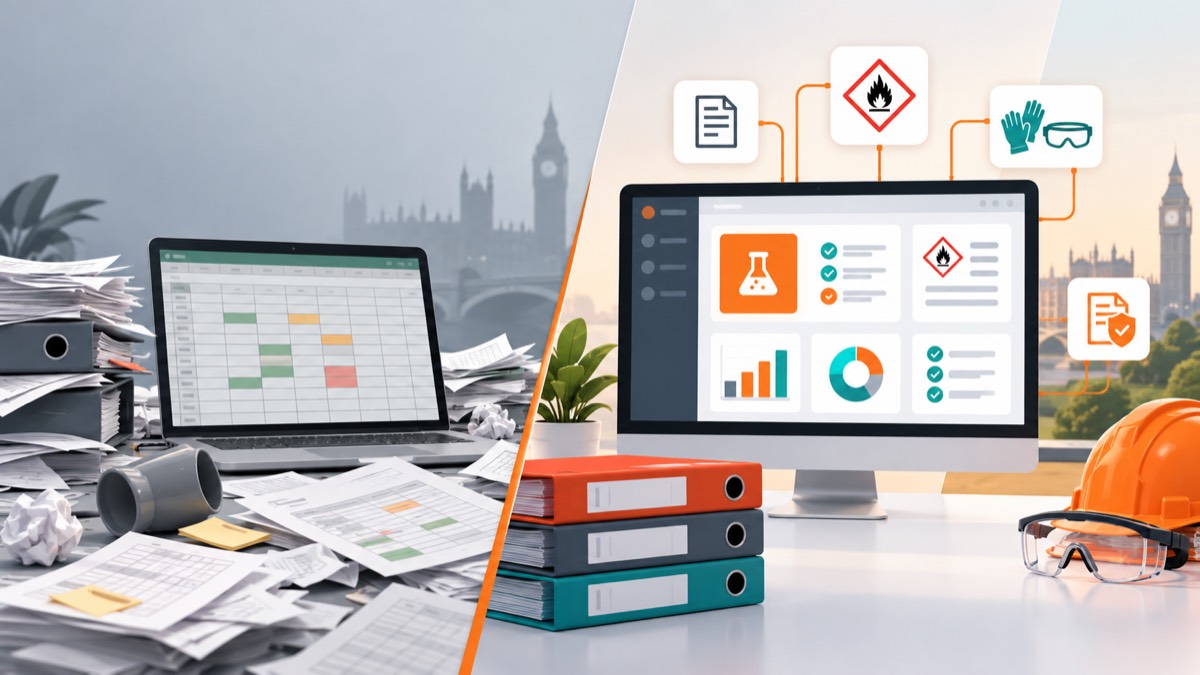
- Spreadsheets can be proportionate for a small, stable inventory with one competent owner, clear file control and few assessment links.
- Purpose-built COSHH software becomes more valuable as products, sites, users, SDS versions and review actions create many-to-many relationships.
- Software does not make an assessment suitable by itself; competent people must still verify the task, exposure and controls.
- Compare total operating effort and error recovery, not only licence cost, and test migration, exports and offboarding before buying.
Spreadsheets can manage a small, stable COSHH programme, but purpose-built software is usually stronger when several users, sites, SDS versions and assessments must stay connected. The honest decision depends on complexity, change rate and governance, not on whether one tool looks more modern.
Neither option creates compliance automatically. A competent person must still understand the task, exposure and controls.
When are spreadsheets good enough?
A spreadsheet can be proportionate when the organisation has a limited product range, one or two controlled locations, low staff turnover and a named competent owner.
Its strengths are familiar:
- Little or no extra licence cost.
- Flexible columns and formulas.
- Easy bulk editing and import.
- Broad staff familiarity.
- Straightforward export and local backup.
A spreadsheet works best as an index. Store SDS and approved assessments in a controlled document system and use stable links rather than embedding uncontrolled copies across worksheets.
Where do spreadsheets start to fail?
The weakness is not the grid; it is coordination. As several people edit files, copies appear in email, local drives and shared folders. Product, location and assessment data drift apart.
Warning signs include:
- Nobody knows which file is current.
- A supplier SDS update must be copied into several registers.
- One product has multiple tasks but only one “assessment complete” cell.
- Review dates are missed unless someone filters manually.
- Permissions apply to the whole workbook rather than records or roles.
- Mobile users cannot find information quickly.
- Reporting requires manual consolidation from each site.
- Deleted rows remove history without an audit trail.
Macros and scripts can repair some gaps, but they create a custom application that needs an owner, testing and security support.
What does COSHH software add?
Purpose-built software can model separate but linked records for products, SDS versions, locations, tasks, assessments, actions and sign-off.
| Capability | Spreadsheet | Purpose-built software |
|---|---|---|
| Product inventory | Strong for simple lists | Structured, searchable records |
| SDS versioning | Manual file links and naming | Current/superseded states and metadata |
| Task relationships | Repeated rows or extra sheets | Many products and tasks can be linked |
| Review reminders | Formulas or calendar process | Automated workflow and ownership |
| Permissions | Usually file or sheet level | Role and organisation controls |
| Audit trail | Limited without careful design | Event and version history may be built in |
| Mobile/QR access | Possible but custom | Often designed for field access |
| Reporting | Flexible but manual | Standard dashboards and exports |
| Offline resilience | Local files can work | Varies; must be tested |
| Portability | Usually good | Depends on export and contract terms |
The word “can” matters. Buyers should verify each capability in the actual product and plan, not assume every COSHH platform includes it.
Which option is cheaper?
A spreadsheet has a low visible cost, but total cost includes administration, reconciliation, formula errors, training, backups and time spent preparing audit evidence.
Software adds subscription, implementation, migration and change-management costs. It can reduce repeated entry and missed actions, but only if staff adopt the workflow.
Estimate annual operating cost:
Licence + implementation + migration + administration + review effort + support + error recovery.
Use real volumes: products, locations, assessments, SDS updates, users and exports. A low-cost tool with strict report limits may cost more at scale, while an enterprise suite can be excessive for one workshop.
Is software more accurate than a spreadsheet?
Structure reduces certain errors, such as broken links or inconsistent status values. Validation can prevent missing fields and workflows can require review before sign-off.
Accuracy still depends on source data and judgement. AI extraction can misread a scan, a supplier SDS can be outdated and a reviewer can approve the wrong control. Good software exposes sources, uncertainty and approval history rather than presenting automation as certainty.
A spreadsheet with disciplined competent review can be safer than poorly configured software. The comparison is between operating systems, not file formats alone.
How does each option handle SDS updates?
In a spreadsheet process, someone must receive the revision, find every reference, compare changes and update assessments. The work is possible but often invisible.
Software can connect one product and SDS version to several locations and assessments, making impact easier to identify. Ask whether it detects updates, merely stores files, or relies on the customer to supply every revision.
Retain superseded SDS where needed for historical exposure and decisions, but remove them from the current operational view.
What about access and business continuity?
Spreadsheets can be exported easily and may work offline, but a shared file can be unavailable or corrupted and may expose all data to every editor.
Cloud software can improve access, backups and controlled permissions, but introduces vendor availability, account administration and internet dependency. Review:
- Authentication and role controls.
- Encryption, backups and recovery objectives.
- Data location and subprocessors.
- Offline or emergency access.
- Full export formats and frequency.
- Account closure and retention.
- Supplier continuity and support.
Keep a tested emergency method for accessing critical SDS and response information during an outage.
How do you decide when to switch?
Score the current process rather than setting an arbitrary chemical count:
- How often does stock or supplier information change?
- How many people edit or consume the data?
- How many product-to-task and product-to-location links exist?
- How much time is spent reconciling files?
- Can you retrieve a current assessment quickly?
- Are reviews or actions being missed?
- Can you prove who approved a change?
- Can the process survive the main owner's absence?
If failures are rare and controlled, improve the spreadsheet. If they recur because the model is too complex, software is justified.
How should a migration be run?
Do not import every legacy row as trusted data. Clean product identity, supplier, SDS version, location and assessment status first.
Pilot one department, define acceptance criteria and keep the old system read-only during validation. Reconcile physical stock and train staff before making the new system authoritative.
Safe Foundry's connected workflow shows one product-to-location-to-assessment model, and pricing provides a transparent cost reference. Review features and the FAQ as part of a wider comparison.
What is the honest conclusion?
Choose spreadsheets when simplicity is real and governance is strong. Choose software when relationships, changes and users make manual reconciliation a recurring control failure.
The best system is the least complex one that keeps current information connected, reviewable and available to the people who must act on it.
Frequently asked questions
Can I manage COSHH assessments in Excel?
Yes, for a limited and controlled use case. You still need secure document storage, version control, review triggers, competent assessment and reliable access for workers.
When should I move from spreadsheets to COSHH software?
Consider moving when version conflicts, missed reviews, duplicate entry, multi-site permissions or slow reporting consume more time and create more risk than a managed system.
Does COSHH software guarantee compliance?
No. Software can structure records and workflows, but employers remain responsible for suitable assessment, effective controls, training, maintenance and review.
Should COSHH software replace the SDS folder?
It should provide controlled access to current and superseded SDS versions, not hide source documents. Check export, retention and offline arrangements before migration.
Workplace exposure limits in EH40 help assess airborne exposure in Great Britain. Learn what the figures mean, what they miss and how to review controls.
Spray Painting COSHH: Assessing Mist and Controls at WorkSpray painting COSHH assessments must consider aerosol mist, other workers and the whole paint task. Learn how to review booths, RPE and clean-up controls.
SDS Section 9: Physical Properties That Change RiskSDS Section 9 lists physical and chemical properties. Learn which values affect workplace exposure, storage and spill planning, and how to use them.